I sat with the team, learned where the work gets stuck, and went through the systems you run every day. This is what I found and what I would change.


RingCentral can route a call, but it cannot say who or which department the caller is being sent to. The line just goes quiet and hands off.
No field for a spoken transfer message. The rule only sets the transfer type, the target extension, and when to transfer.

We are moving forward with this. We keep your RingCentral number, inbound calls forward to a Retell receptionist with a custom IVR, and it hands off to the right person by name and department. It answers from a knowledge base built on your listings. An added layer on top of RingCentral, nothing else changes.
They run as one system. Leasing Performer works the live conversation, then Realm-X picks up the sequences around it. Tuned together so nobody gets dropped and nothing double messages.
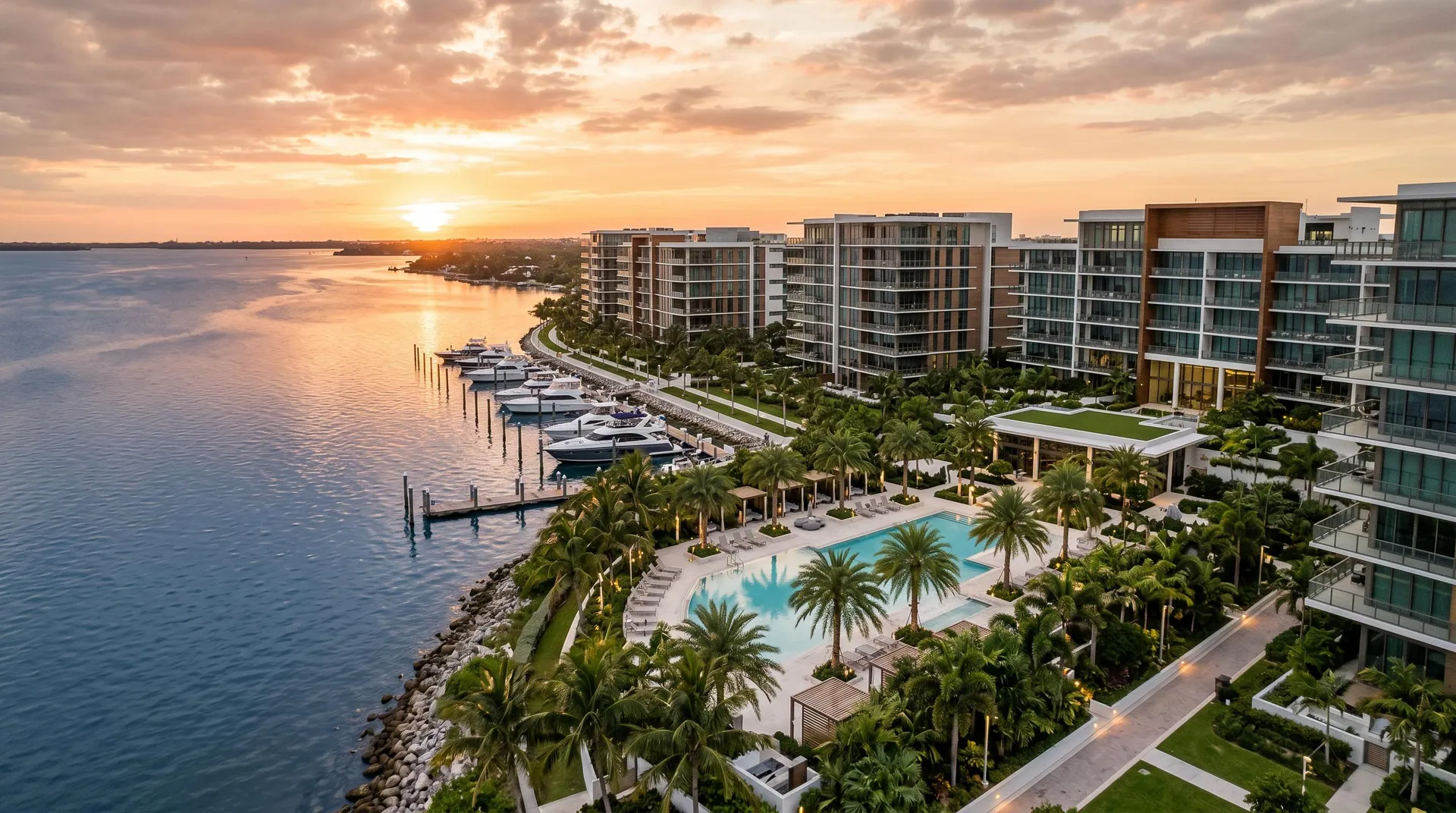
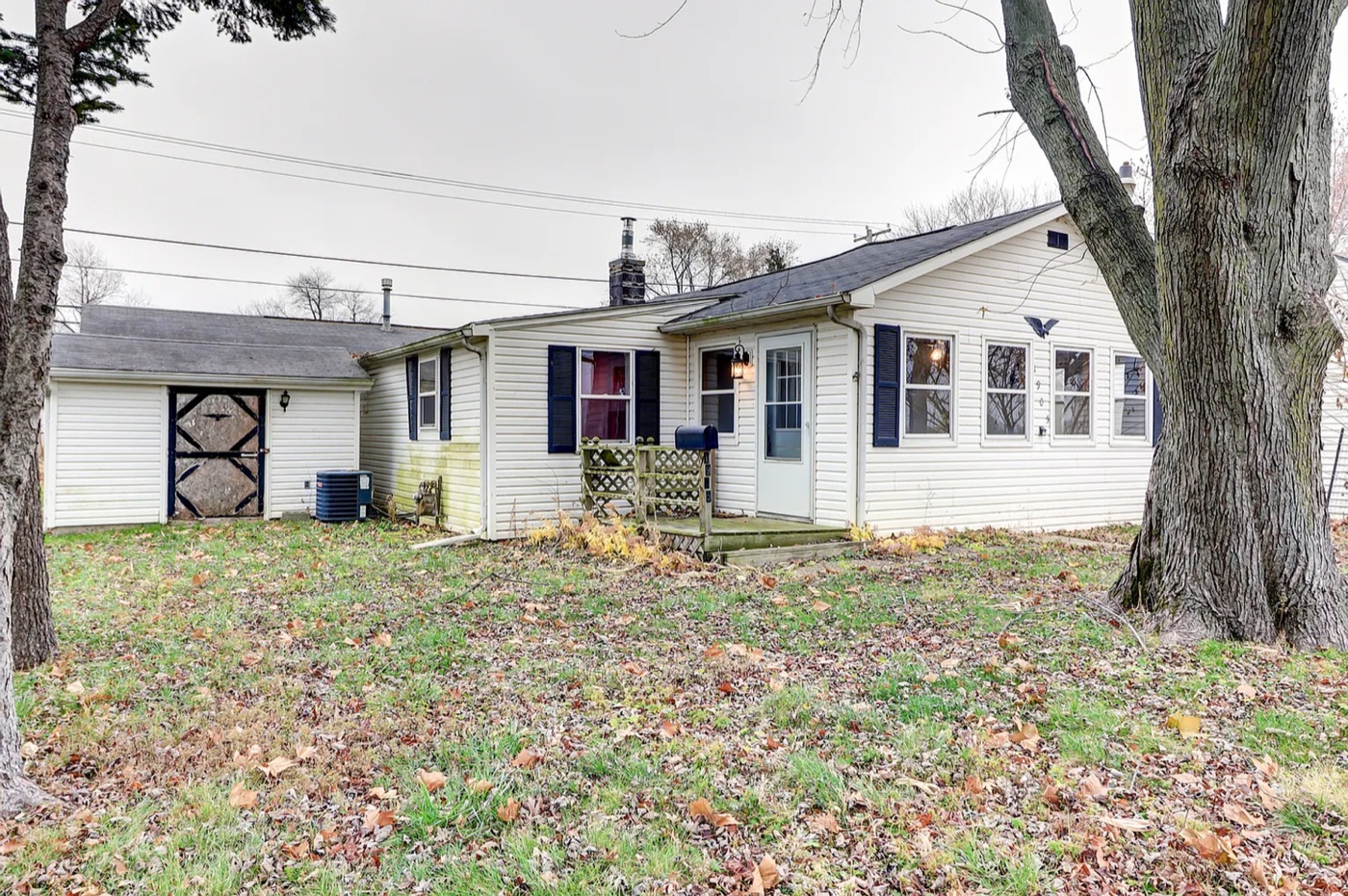
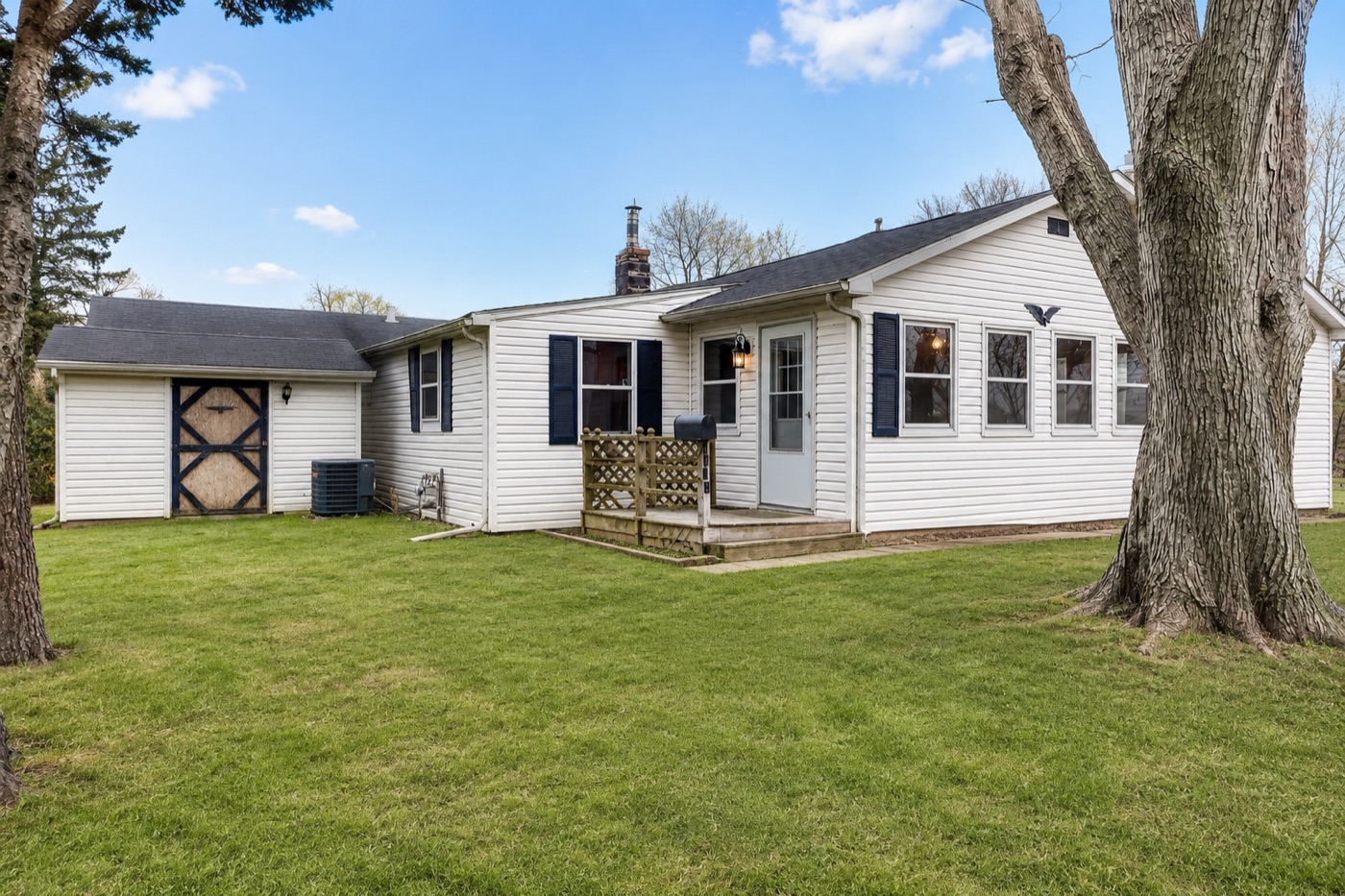
Here is one of our properties shot two ways. The reshoot is the difference between getting scrolled past and getting the call.


AppFolio pushes each listing out to these sites. The feed runs one way. Fix anything wrong inside AppFolio, or contact the site directly. So the listing in AppFolio has to be right first.
Today a booked showing does not notify anyone. The lead is ready and waiting, and it slips through because nobody knows it came in.
Switch on the notification toggles in AppFolio for the right people. I showed the team where they live. This one is free and takes minutes.
We keep this inside AppFolio. No third party, no extra fee for the tenant, and no new login for the team.
A short pet form goes to the resident portal at application or renewal.
Do you have a pet, type, breed, and weight. They sign it in the portal.
The answer lands on the tenant record where the whole team can see it.
If they claim an ESA, we collect the letter then and verify it. Photos come from the inspection.
The fix is a report to see who is missing or expiring, reminders at 60 and 30 days, and a fallback policy that applies when coverage lapses.

It takes utility setup off the team and runs it for the tenant. No cost to us, and we earn a commission. We will record the demo so Paul and Caleb can see how it works.
Links to AppFolio and pulls the move in list.
Each tenant gets every required utility with phone, email, and website.
Tenant starts service or uploads proof of setup.
Utility Profit follows up with anyone not finished.
The team gets a completion email. Done.
The same clear message to every new tenant, so nothing gets missed.
A short page of videos for the simple fixes, linked right inside the welcome letter.
A sample template to standardize. The same clear message to every new resident.
Hello. We are excited to have you as our new resident at 123 Main St. Please keep this email handy (email.com) as it is the best way to reach us. For any maintenance items, use the online portal to submit a request. To access your unit on your move-in date, your existing charges must be paid in full.
You will get a text with a link to download the Mobile Access app. It opens the building doors and your unit over Bluetooth. Wait for the link and follow the instructions. You will also receive a key fob. Small black boxes by each door read your phone or fob. Doors lock automatically after hours and on weekends, so keep your fob or phone on you. Test your access right away. If there is an issue, contact us at email.com and we can reset the app.
All keys and parking permits will be in the apartment, on the kitchen counter or in a drawer.
Required coverage is 100k liability. Adding insurance to your portal does not satisfy the requirement. It must be completed through era.confirminsurance.com.
Utilities are already started in your unit. You do not need to contact the providers. ERA Management bills your tenant ledger directly as the bills come in, due with your next rent payment.
Contact Astound at 800-427-8686 to activate your unit. You will need a router or modem, which is not included in the $65 per month service fee. For customer service, call Astound at 805-548-8000.
The trash enclosures are at the back of the property in the parking area. There are two large bins near the courtyard.
Recycling is in the trash enclosure. Break down all boxes so they lay flat before placing them in the bin.
Green waste disposal is in the trash enclosure. Pick up your green waste pail from the parcel room. If none are available, let us know and we will deliver more.
Submit any maintenance request through your online portal. It is the best place, and management will route the ticket to the right person.
The bathroom fan is very quiet. We have had requests about it that turned out to be working. If you think it is off, get closer with a stool and look and listen to confirm it is running.
Park only in your assigned space from your lease. There are no guest spaces. Guests use your spot or park offsite. You will receive a parking tag with rules and towing instructions. At move out, return the permit or you will be charged $50.
Hours are 6am to 10pm daily. Dropping weights or loud music or TV affects neighboring units, so please be mindful within those hours.
You should have a link to activate your portal. Pay rent, see your ledger, and make maintenance requests there. More information at appfolio.com/help/online-portal.
Click a week to see what happens in it
Questions and discussion
Since the walkthrough I sat with the team and we made the calls. This part updates the rollout and the next steps with what we decided, what I am building, and what I need from you.


Different leads get a different cadence. Cold ones get re-opened, active ones get pushed harder, and no one gets dropped after the handoff.
When a guest card inquired on a unit that then gets leased, the flow redirects that guest card to other available units in the same area. The interest stays with us instead of dead-ending on a unit that is gone.
Reminders and a nudge before each showing so fewer no-shows. The goal is every showing reminder and first touch sent on both email and text.
Confirming with AppFolio. Whether the showing reminders and initial touch-ups can send on email and text at the same time. Once confirmed, both channels go on.
The day a tenant gives notice, the move-out runs the same way every time, and the unit gets re-listed before it is even empty.
The tenant submits a 30 or 60 day notice through their portal, per company policy, when they choose not to renew.
Everyone opted in is emailed the moment a notice comes in, so the move-out starts the same day.
We confirm the move-out and lay out what to do, settle, and clean so their deposit stays protected.
A report lists every upcoming move-out and date, so nothing slips and we can plan ahead.
We list the unit early and pre-lease it, filling it before the current tenant is out.
The ultimate goal. The tracking report lets us list and pre-lease in advance, so the vacancy is filled before the unit is even empty.
Most of these are free and ready. I just need the go-ahead, and the dates, to put them live.
We activated mentions in AppFolio. You can @ anyone who needs to be looped in, right on the record, in work orders, the tenant page, the unit page, anywhere.
Keep the conversation on the work order. When the person handling it is out, anyone can open the record, see the full history and who is involved, and keep it moving. No one waits on a single person to be back.
Recorded sessions Monday, Wednesday, and Friday, plus a knowledge base I am building for the recordings and references. The team asked for maintenance best practices, assigning, the portals, and the move-in and move-out flows.
Mention Users in Notes · Reporting Basics · Customize & Save a Report · Report Builder · Schedule Emailed Reports · Report Connection · Favorite a Report · Row Filtering
Leasing CRM · Move In Tenants · Cancel a Move In · Cancel or Transfer a Completed Move In · Move In Surveys · Move Out Tenants · Move Out One from a Group
Online Portal Overview · Vendor Portal Overview · Vendor Portal Activation
Notifications · Actions & Status Updates · Texting from Work Orders · Updates to the Online Portal · Email Vendors & Techs · Edit or Delete · Recurring Work Orders · Resident & Vendor Scheduling · Accept or Decline · Mark Do Not Use · Resident status view
Click a week to see what happens in it
Gathering now, building next, live by week three